stephan
Members
-
Joined
-
Last visited
Everything posted by stephan
-
Hello, still no news from support
-
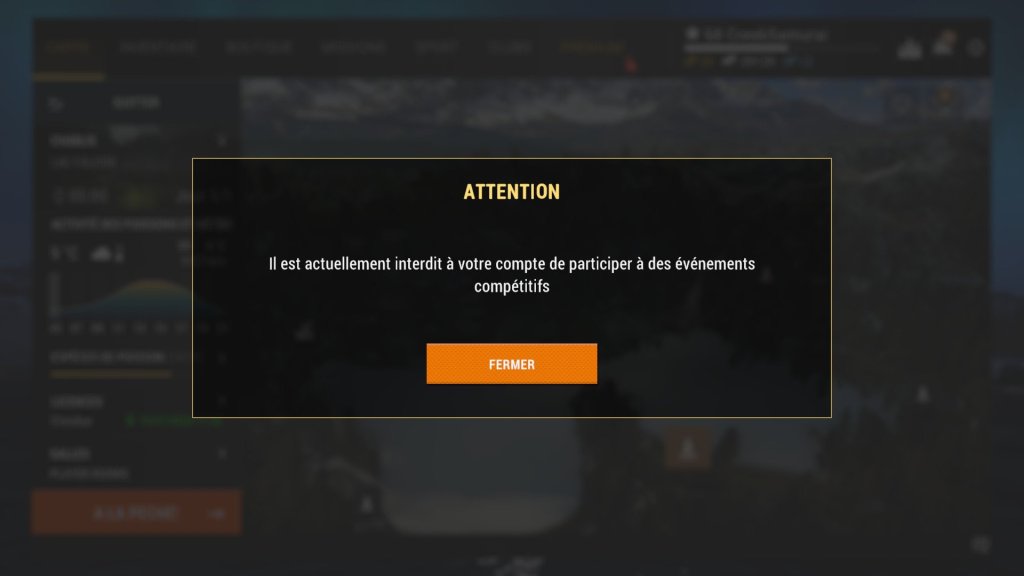
Goodbye to this shitty game. Just so you know, we’re going to trash its reputation—it didn't used to be like this. I’m closing my accounts; I’ve already had over six of them banned. So, goodbye, you bunch of racists. Even your shitty support team doesn't reply. You’ll see what happens to the game's reputation—Fishing Planet's numbers are already dropping, and my friends and I are going to drive them down even further. I want to merge my accounts.
-
bonjour oui adresse du jeux mes plusieur email envoyer nom repondu
-
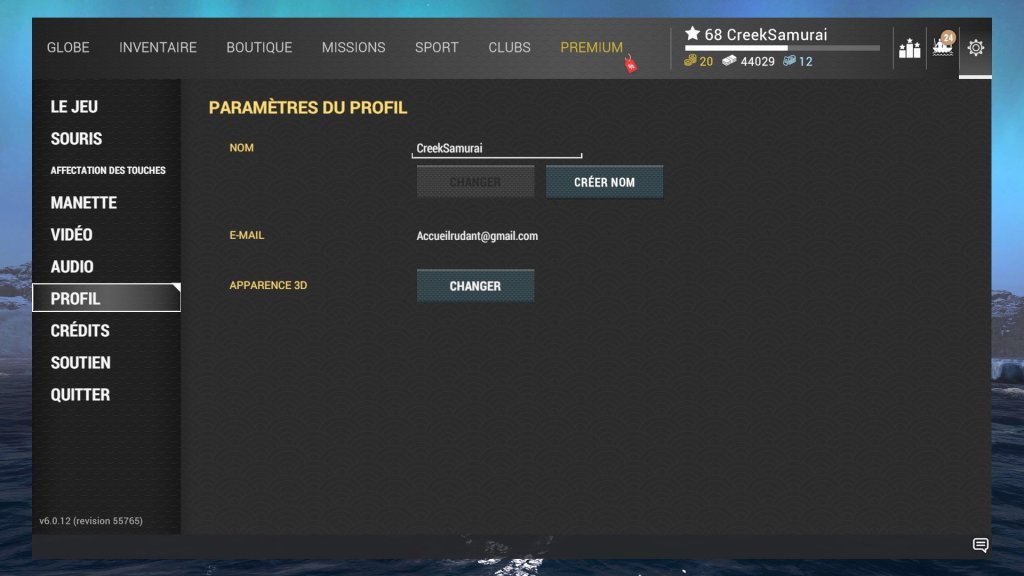
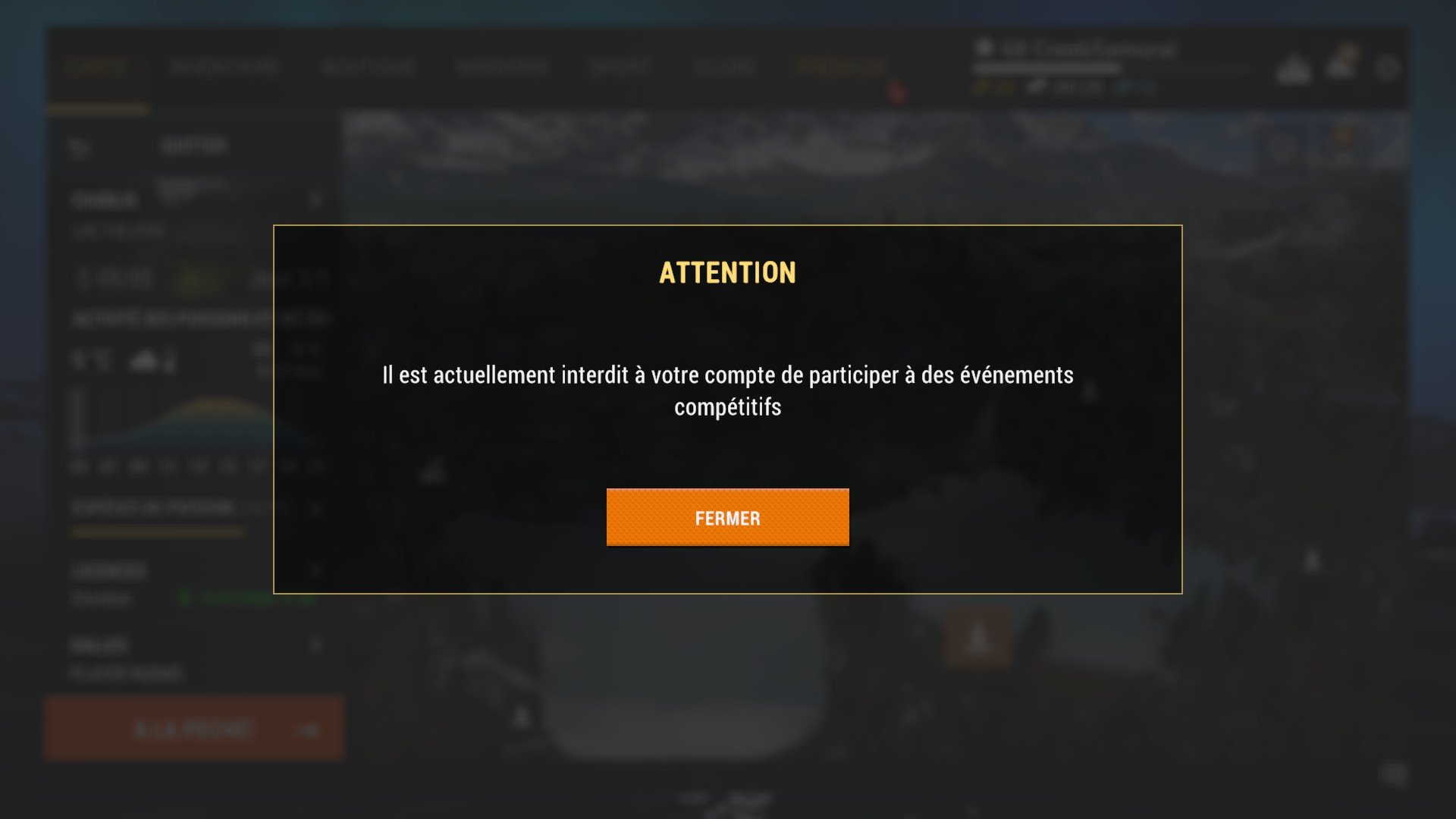
Good evening. I'm having trouble again, and Support isn't answering my email about the game. It's weird—they reply to a different email address. These game bans are ridiculous; this has been happening ever since that new thing was introduced.