



WPfromWP
Members
-
Joined
-
Last visited
-
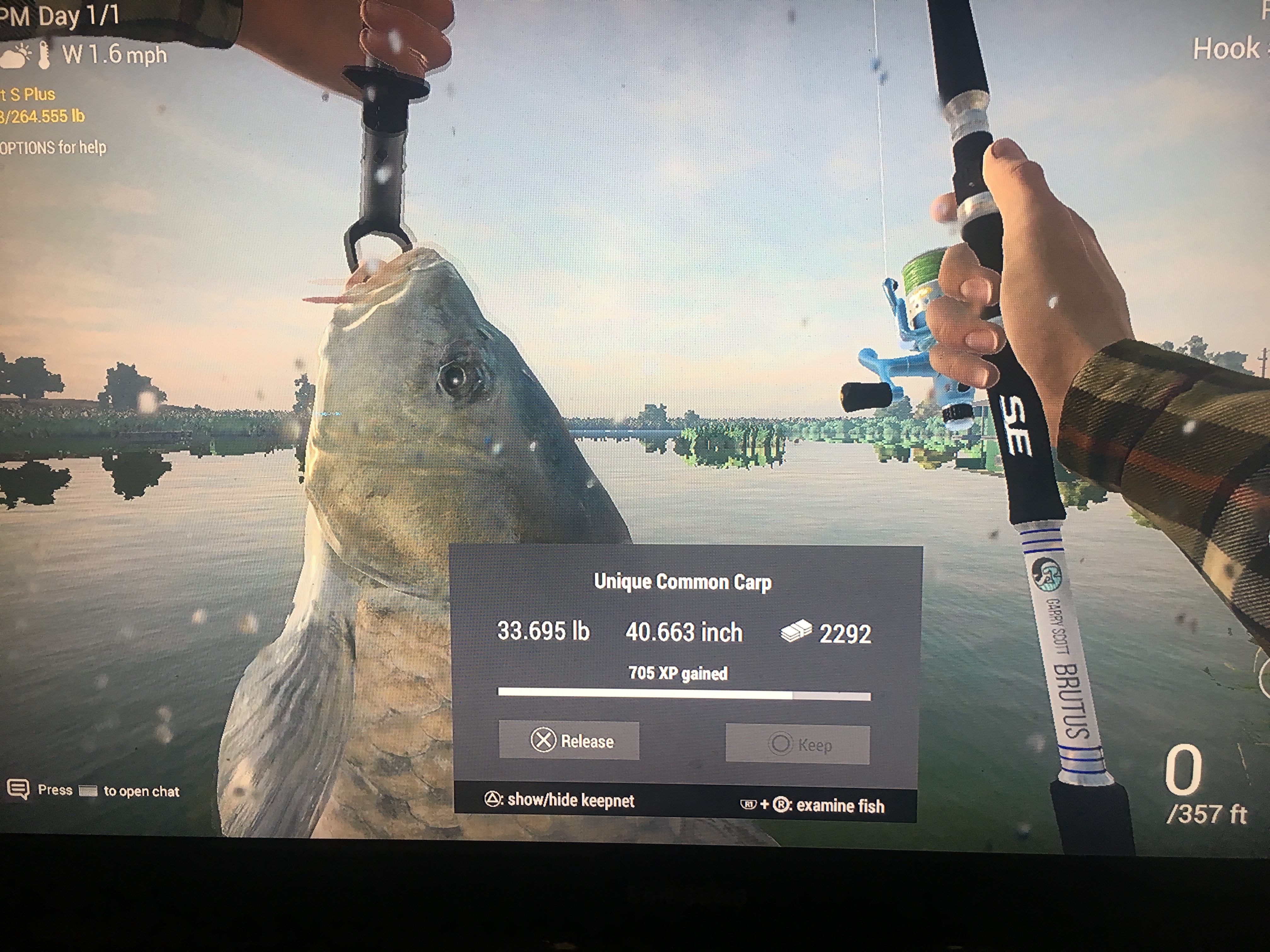
Perhaps he has his PSN settings on private to make him appear offline?I'm interested. The game seems to have cut off my ability to catch uniques or be competitive this week, but I'm game.WPfromWP changed their profile photoThat's what I understandHow is EG_Coupe not in 2nd? 2nd and 4th places have smaller fish than their weight difference
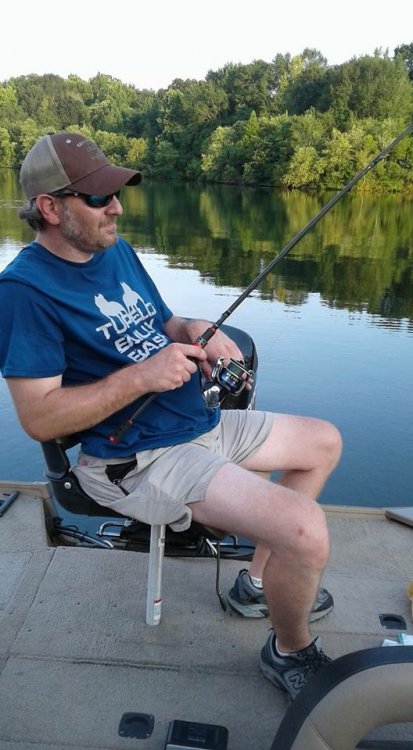
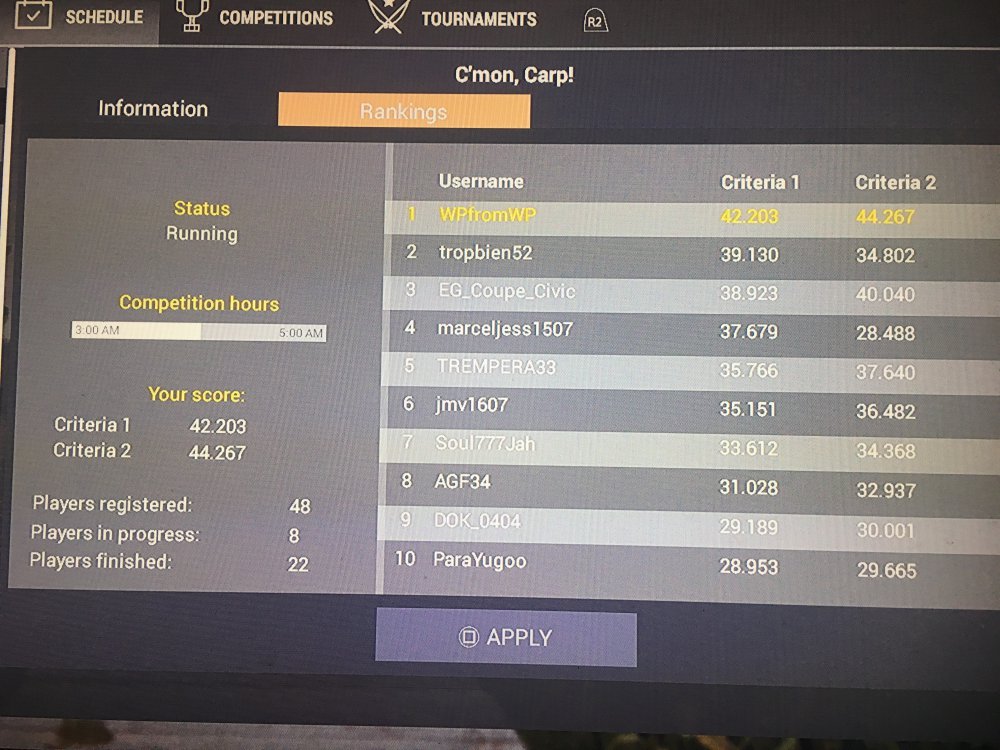 Great stuff EG. You can probably retire now and let me win some eventsI try anyway lol. Quit eyeballing these legs

 Sorry I don't remember the details of how to catch. I didn't know it was a big deal at the time.I have caught a tarpon on ps4. It was at the lily pad channel and completely by surprise.




Account
Navigation
Search
Configure browser push notifications
Chrome (Android)
- Tap the lock icon next to the address bar.
- Tap Permissions → Notifications.
- Adjust your preference.
Chrome (Desktop)
- Click the padlock icon in the address bar.
- Select Site settings.
- Find Notifications and adjust your preference.
Safari (iOS 16.4+)
- Ensure the site is installed via Add to Home Screen.
- Open Settings App → Notifications.
- Find your app name and adjust your preference.
Safari (macOS)
- Go to Safari → Preferences.
- Click the Websites tab.
- Select Notifications in the sidebar.
- Find this website and adjust your preference.
Edge (Android)
- Tap the lock icon next to the address bar.
- Tap Permissions.
- Find Notifications and adjust your preference.
Edge (Desktop)
- Click the padlock icon in the address bar.
- Click Permissions for this site.
- Find Notifications and adjust your preference.
Firefox (Android)
- Go to Settings → Site permissions.
- Tap Notifications.
- Find this site in the list and adjust your preference.
Firefox (Desktop)
- Open Firefox Settings.
- Search for Notifications.
- Find this site in the list and adjust your preference.